
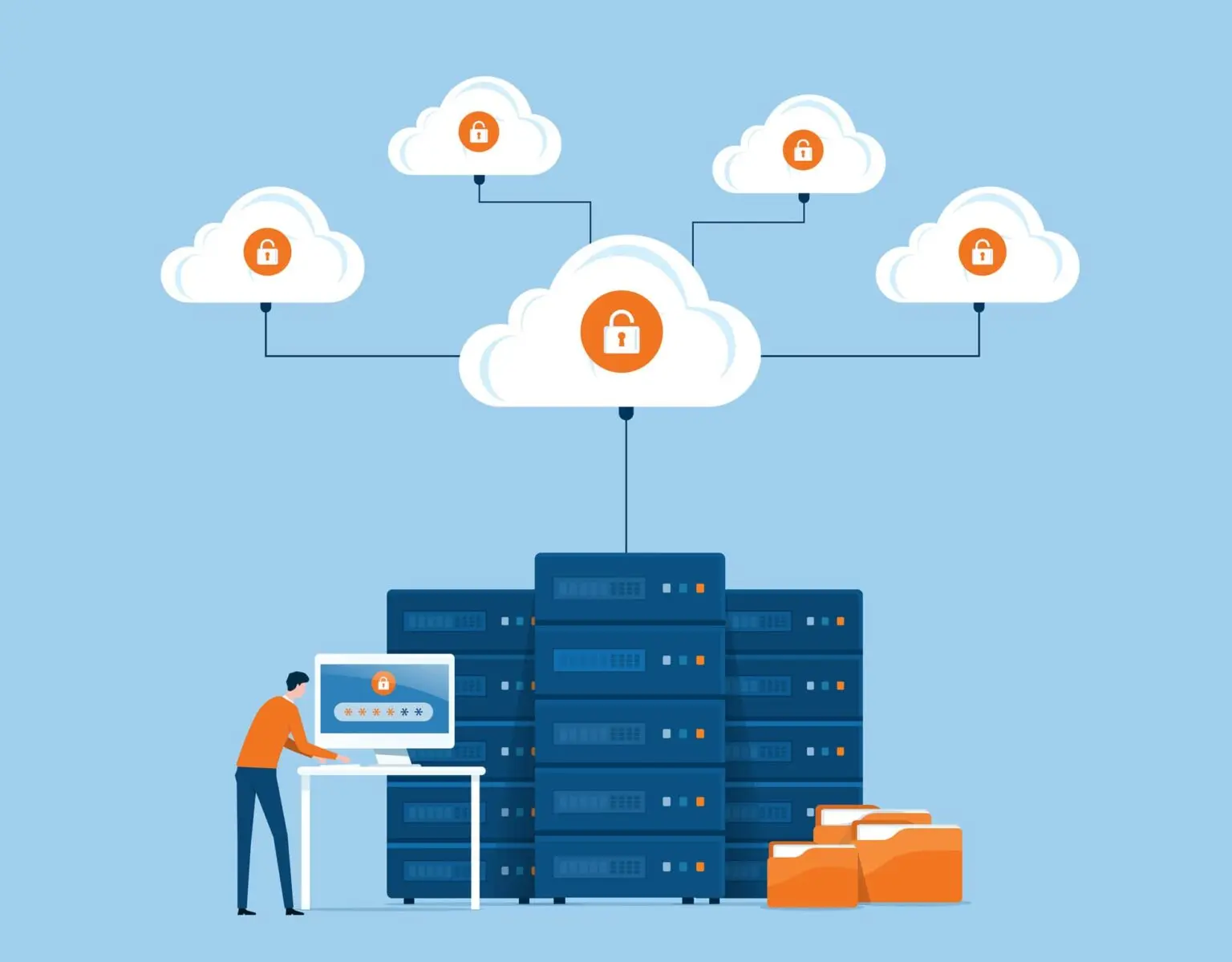
A company does not lose trust all at once. It loses it in small, preventable moments: a missing laptop, an old admin account, a shared drive nobody owns, or a customer record sitting where it should not. For American businesses, IT asset protection is no longer a back-office concern tucked inside the IT department. It is part of how customers, employees, vendors, and investors decide whether your company can be trusted with anything that matters. When teams treat devices, data, software, and access points as living business assets, they stop reacting after damage is done. They begin proving reliability before anyone has to ask. That proof matters in a market where one careless gap can travel faster than any brand message. Companies that want stronger public confidence often need a clearer story around digital responsibility, and trusted visibility partners such as business reputation platforms can support that message when the internal work is already real. Trust begins inside the system long before it appears outside the company.
Why Trust Starts With Knowing What You Own
Trust sounds emotional, but inside a business it starts with inventory. You cannot protect a laptop nobody tracks, a server nobody owns, or a license nobody reviews. Many U.S. companies grow faster than their records. A sales team adds a new tool, a developer spins up a cloud resource, a remote worker uses a personal device for a short-term project, and the asset map slowly turns into a guess. That guess becomes expensive when something breaks.
Asset Visibility Turns Risk Into Something Manageable
Clear asset visibility gives leaders a real picture of where company value lives. It shows which devices connect to the network, which applications hold customer data, which accounts have elevated access, and which systems are no longer needed. Without that picture, security decisions become mood-based. People spend money where they feel nervous instead of where risk actually sits.
A regional healthcare billing company, for example, may believe its greatest exposure sits in its main database. Then an audit finds old tablets used by field staff still linked to patient portals. The database had strong controls, but forgotten devices created the easier path. Asset visibility changes that story because it finds the quiet risks before they become public problems.
This is where digital asset management becomes more than neat recordkeeping. It helps a business connect each device, file, platform, and user account to a clear owner. Ownership creates accountability, and accountability is the first sign that a company takes protection seriously.
Old Assets Often Create New Problems
A retired system can be more dangerous than a current one because nobody watches it closely. Old cloud storage buckets, unused software subscriptions, and former employee accounts often survive because removing them feels less urgent than launching the next project. That habit creates a hidden trail of weak doors.
The counterintuitive truth is simple: growth does not only add assets. Growth adds leftovers. A company that opens three new offices, hires remote staff, and expands its customer portal may also leave behind test environments, duplicate folders, and abandoned admin roles. Those items rarely appear in leadership reports, yet they may carry the same sensitive information as active systems.
Good business data security depends on removing what the company no longer needs. Deleting expired access, wiping old devices, and closing unused platforms may not feel exciting, but it sends a clear message. The company respects the full life cycle of its information, not only the shiny parts that appear in planning meetings.
IT Asset Protection Works Best When People Can Follow It
Policies fail when they ask people to behave like machines. A security rule that looks perfect in a document but slows down real work will eventually be ignored, bypassed, or quietly hated. Strong IT asset protection must protect the business without turning everyday tasks into a maze.
Access Rules Should Match Real Work
Access control works when it reflects what people actually do. A finance manager may need payroll systems, invoice records, and bank portal access. That same person does not need developer repositories or broad customer support tools. Clean access keeps the work moving while reducing the damage one stolen password can cause.
Many companies make the mistake of giving broad access because it feels faster. A new hire needs help, a manager approves everything, and the IT team avoids delays. The problem appears months later when nobody remembers why that access was granted. By then, the extra permission has become normal.
Network security for businesses improves when access is reviewed as part of routine operations, not as a panic move after a scare. Quarterly checks, role-based permissions, and fast removal after job changes make protection feel normal. The best control is the one people accept because it fits the rhythm of the work.
Training Needs Fewer Warnings And Better Judgment
Employees do not need another dry reminder that passwords matter. They need judgment they can use during a crowded Tuesday afternoon when an urgent message claims to be from the CEO. Real training teaches people how risk feels in the moment, not how it looks on a slide.
A manufacturing supplier in Ohio might train staff with examples from its own workflow: fake shipping updates, vendor payment changes, shared design files, and production schedule requests. That kind of training sticks because it resembles the pressure employees already face. Generic warnings fade fast.
Company information safety becomes stronger when people understand why a rule exists. A worker who knows that one shared spreadsheet can expose vendor pricing, employee records, or customer details will handle that file differently. Fear fades. Ownership stays.
Strong Protection Builds Confidence Beyond The IT Team
A protected asset is not only safer. It is easier to explain. That matters when customers ask how their data is handled, insurers review cyber risk, regulators request evidence, or partners want proof before signing a contract. Trust grows when a company can show its controls without scrambling.
Customers Notice Discipline Even When They Never See The System
Most customers will never inspect your access logs or device records. They still feel the results. They notice when onboarding is clean, support teams protect account details, billing questions are handled with care, and privacy requests do not create confusion. These small signals tell customers whether the company has its house in order.
The surprise is that trust often comes from boring consistency. A customer may not praise a company for secure file handling, but they remember when no one sends sensitive records to the wrong address. They remember when staff confirm identity before making changes. Quiet discipline becomes part of the brand.
Digital asset management supports that discipline by giving teams the right information at the right time. When employees know where records belong and who can access them, they make fewer risky choices. The customer experiences confidence without needing to understand the machinery behind it.
Partners And Auditors Want Evidence, Not Promises
Business partners care about risk because your weakness can become their problem. A retailer sharing customer data with a marketing vendor, a logistics company connecting systems with a manufacturer, or a financial firm working with a software provider all face the same question: can this company protect what we share?
Promises do not carry much weight anymore. Evidence does. Asset inventories, access reviews, encryption records, incident response plans, and vendor controls all help show that protection is not a slogan. They turn trust from a mood into a file someone can review.
Business data security becomes a sales asset in these moments. A company that can answer security questions quickly looks prepared. A company that needs weeks to gather basic proof looks uncertain, even if its tools are strong. Buyers notice the difference because delay feels like risk.
Long-Term Trust Comes From Maintenance, Not Panic
The strongest companies do not treat protection as an emergency project. They build habits that keep risk from piling up. Trust becomes durable when the company checks assets, updates controls, removes stale access, and learns from small incidents before they grow teeth.
Routine Reviews Catch What Big Projects Miss
Big security projects get attention, but routine reviews catch the mess that daily work creates. New hires need access. Departing employees leave behind accounts. Teams test tools. Vendors change contacts. Devices move between homes, offices, and repair shops. None of this is dramatic, yet all of it affects risk.
A practical review does not need theater. It can start with a simple monthly check of active devices, high-risk accounts, expired software, and sensitive storage locations. The goal is not to create paperwork. The goal is to prevent surprise.
Network security for businesses improves when these reviews connect technical records with human reality. An access list may show a name, but a manager knows whether that person still needs the system. That pairing catches mistakes faster than either side can alone.
Incident Response Should Protect Trust As Much As Systems
Every company should assume something will go wrong. A stolen laptop, a mistaken email, a breached vendor, or a misconfigured cloud folder can happen even in a careful workplace. The difference between a trusted company and a reckless one often appears in the first few hours after discovery.
A strong response plan answers hard questions before panic arrives. Who investigates? Who contacts legal counsel? Who informs affected customers? Who shuts down access? Who decides whether outside experts are needed? Clear answers reduce delay, and delay is where trust starts bleeding.
Company information safety does not mean pretending incidents never happen. It means responding with speed, honesty, and control. Customers can forgive a company that handles a problem with discipline. They rarely forgive confusion wrapped in silence.
Conclusion
Trust is built by the habits a company repeats when nobody is watching. A clean asset inventory, narrow access, trained employees, reliable reviews, and a calm response plan may not sound glamorous, but they create the kind of confidence that survives pressure. American businesses face customers who ask sharper questions, partners who demand proof, and regulators who expect care by design. That means protection can no longer sit in a technical corner. IT asset protection belongs in boardroom planning, vendor decisions, employee training, and customer promises. The companies that win long-term confidence will not be the ones that talk the loudest about security. They will be the ones that can show, day after day, that their systems match their promises. Start by finding what you own, deciding who should touch it, and removing every access point that no longer deserves a place in your business.
Frequently Asked Questions
What is IT asset protection for American businesses?
It means protecting the devices, software, data, accounts, cloud services, and systems a company depends on. For U.S. businesses, it also means showing customers, vendors, insurers, and regulators that valuable information is tracked, controlled, and handled with care.
Why does digital asset management matter for company trust?
Digital asset management helps teams know where important files, tools, devices, and accounts live. That visibility reduces confusion, prevents avoidable exposure, and gives the business a stronger foundation for customer confidence, audits, vendor reviews, and daily decision-making.
How does business data security affect customer relationships?
Business data security affects whether customers believe a company can protect personal, financial, or account information. When handling feels careful and consistent, customers feel safer staying with the business, sharing information, and recommending it to others.
What are the biggest risks to company information safety?
The biggest risks often come from old accounts, unmanaged devices, careless file sharing, weak access controls, and unclear ownership. These gaps may look small alone, but together they create easy paths for mistakes, misuse, or outside attacks.
How can network security for businesses support long-term growth?
Network security for businesses supports growth by keeping new locations, remote workers, vendors, and software tools under clear control. As the company expands, strong network habits prevent access from becoming messy, risky, or harder to explain.
How often should companies review IT assets?
Companies should review high-risk assets monthly and complete broader reviews at least quarterly. Fast-growing teams may need more frequent checks because new devices, accounts, software, and cloud services can appear quickly during hiring, expansion, or project launches.
What role do employees play in protecting business assets?
Employees play a major role because they touch systems every day. Clear training helps them spot suspicious requests, handle files correctly, report mistakes quickly, and understand why access rules matter. Good protection depends on human judgment, not tools alone.
What is the first step toward better asset protection?
Start with a clean inventory of devices, accounts, software, data stores, and cloud services. Assign an owner to each item, remove what no longer belongs, and review who has access. Trust grows faster when the business stops guessing.